Show summary Hide summary
Aurzen’s compact projector family has grown up. At IFA 2026 the company unveiled the Zip Pro, a larger, higher-resolution follow-up to last year’s Zip that aims to keep the foldable, battery-powered convenience while improving image clarity and connectivity.
A noticeably larger form
The Zip Pro keeps the brand’s three-part, double-hinge shape but adds substantial mass and size. Where the original models weighed about 9.8 oz (280 g), the Pro jumps to roughly 20.6 oz (586 g). Folded measurements climb to 4.53 x 4.53 x 1.73 in (115 x 97 x 44 mm) versus the earlier 3.3 x 3.1 x 1 in (84 x 78 x 36 mm).
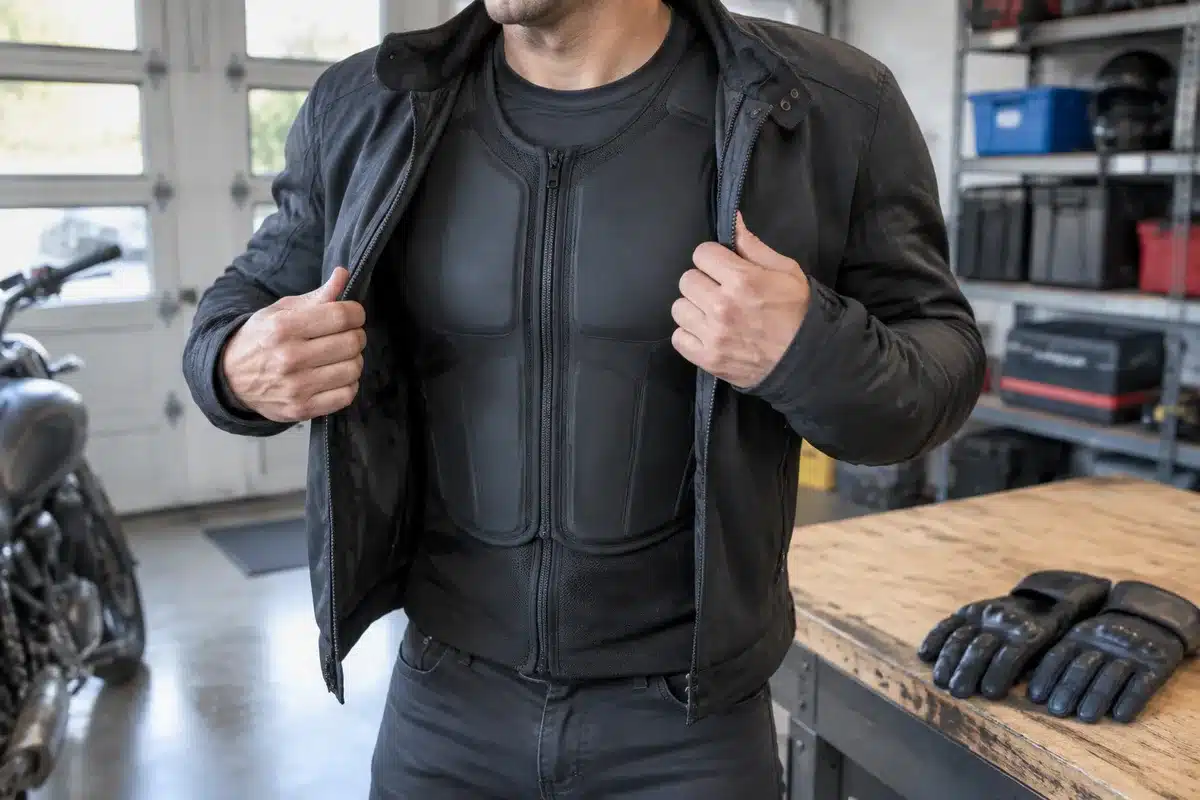
A preview of the Alpinestars Tech-Air 5 Plasma’s specs and features
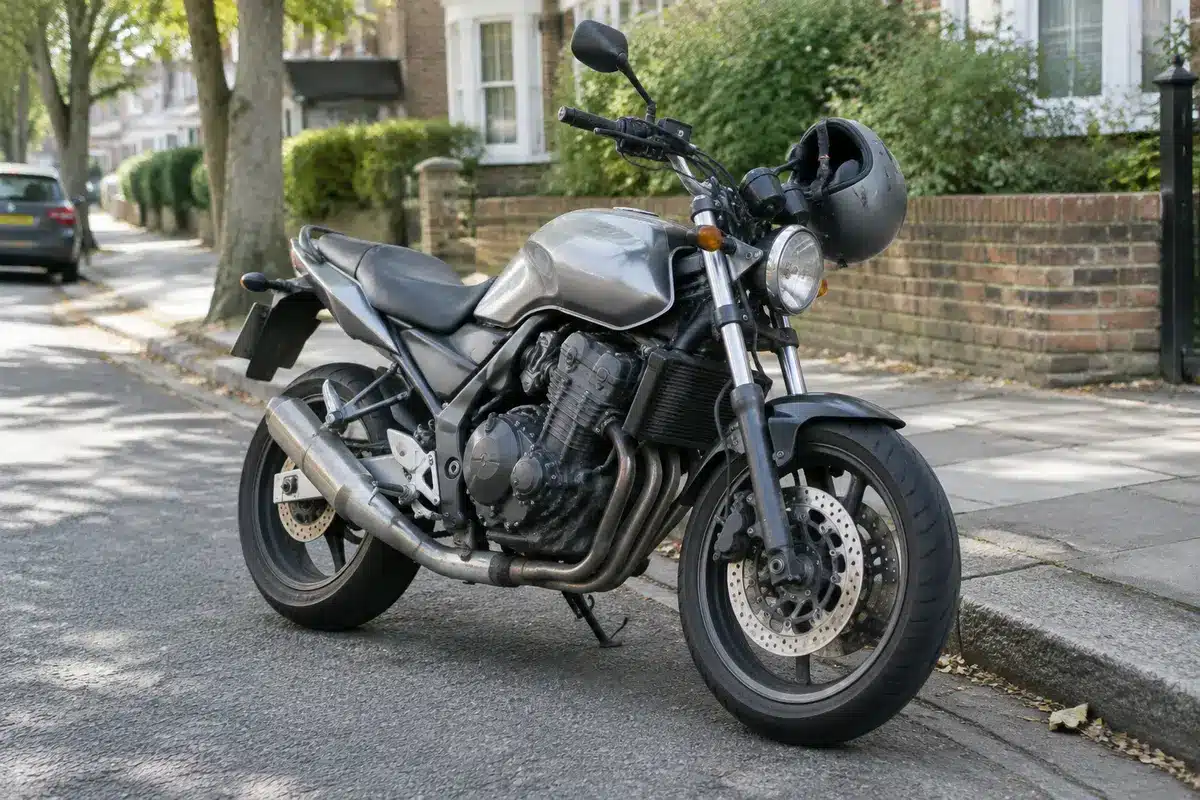
A preview of the 2027 Triumph Street Triple 798 RS
That extra bulk pushes the device out of true pocket territory, though it remains light enough for a backpack or briefcase. The hinge still doubles as a built-in stand, preserving the Zip line’s signature flexibility for tabletop setups and vertical content.
Sharper visuals, with caveats
The most obvious upgrade is resolution: the Zip Pro projects at Full HD (1080p) with a 1.2:1 throw ratio, replacing the 720p output of earlier models. Aurzen rates the engine to produce images up to 115 inches diagonally.
However, brightness is modest. The projector uses an LED light source that delivers a maximum of 200 ANSI lumens—double the previous Zip but still limited in well-lit rooms or daylight. Color coverage sits at about 85% of the NTSC gamut, reported contrast is near 300:1, and panel uniformity is roughly 85%.
In practice that means the Zip Pro performs best in dim environments. Documents and presentations gain crispness in brighter modes, but color-rich video or gaming will wash out under moderate ambient light.
Auto adjustments and image control
Aurzen equipped the unit with autofocus using a ToF sensor and a 4-point keystone system. Auto-correction worked reliably when the projector faced the screen head-on; the keystone range is ±20° vertically and ±15° horizontally. If you push beyond those angles the device will prompt an out-of-range warning, and manual adjustments are available.
Casting and wired options
The Zip Pro continues to rely on casting and mirroring rather than running its own smart platform. It supports AirLink, Miracast, AirPlay, DLNA and Google Cast. On startup a three-option menu guides users toward app-based casting, simple mirroring, or using the projector as a wired display.
For services that block wireless mirroring, the top USB-C port accepts a cabled source—handy for laptops, phones or handheld consoles. Aurzen also sells an optional accessory, the CastPlay Pro, which claims to enable wireless streaming of DRM-protected content from a device to the projector; it is offered for pre-order in the US for $129.99 and was not part of the review unit.
Battery life, power and modes
The Zip Pro houses a 38‑Wh battery and charges via USB‑C PD using the bundled adapter. Aurzen states up to about 2.5 hours of runtime in eco mode (approximately 100 lumens), which the company says is roughly an hour longer than previous Zip models.
There are stepped brightness modes: eco at 100 lumens, a mid setting around 150 lumens, and a conference mode that unlocks the full 200-lumen output but requires extra power through the correct Type‑C port. Continuous use in brighter modes shortens runtime significantly—expect roughly half the endurance at the mid setting. Charging climbs quickly to 90%, while the last 10% takes noticeably longer; a near-empty unit reached a full charge in about two hours in testing.
Gaming and external devices
The Zip Pro supports Type‑C DP Alt Mode, allowing direct wired connections from compatible handheld consoles. Aurzen reports that a Switch 2 connected to the projector shifted gameplay from the console screen to the projected surface without needing a dock. Other handhelds such as the Steam Deck and Lenovo Legion Go can also be wired in directly.
Larger consoles like PS5 or Xbox require an active, one-way HDMI-to-Type-C adapter to feed the projector. Input latency is given between 20–40 ms, and the system can refresh at 60 Hz at full resolution—adequate for casual gaming but potentially sluggish for highly competitive play.
Controls, audio and daily use
A small touchscreen sits on the top surface, measuring about 1.96 x 1.57 in (5 x 4 cm) with a visible area closer to 1.5 x 1.1 in (3.8 x 2.8 cm). It handles power, volume and setup tasks but can be fiddly for typing network passwords. The companion AurzenHub app mirrors those controls on a phone and is useful for easier text entry; the app pairs by Bluetooth and requires a signup.
Audio comes from dual 2 W speakers. They’re louder than on previous models but sound thin for music or trailers; Bluetooth 5.4 support lets you connect two headphones at once or pair a more capable portable speaker for better sound. In the reviewer’s experience, Bluetooth audio stayed in sync with the picture.
Cooling is fan-based. Aurzen lists noise levels at about 24 dB in eco, 28 dB in normal, and 35 dB in conference mode. Fans are unobtrusive in low settings but become noticeable when driving the projector brighter.
Build and extras
The chassis uses aluminum alloy and should tolerate being tossed in a bag. The design includes a transparent top panel with decorative raised elements but no functional display beneath. A braided USB cable is included in the box.
Availability and price
The Zip Pro carries a US retail price of $629.99 and is available now. Aurzen positions it as a portable Full HD option for dim-room movie viewing, quick handheld console play or lightweight presentations—rather than a replacement for a dedicated home theater projector.